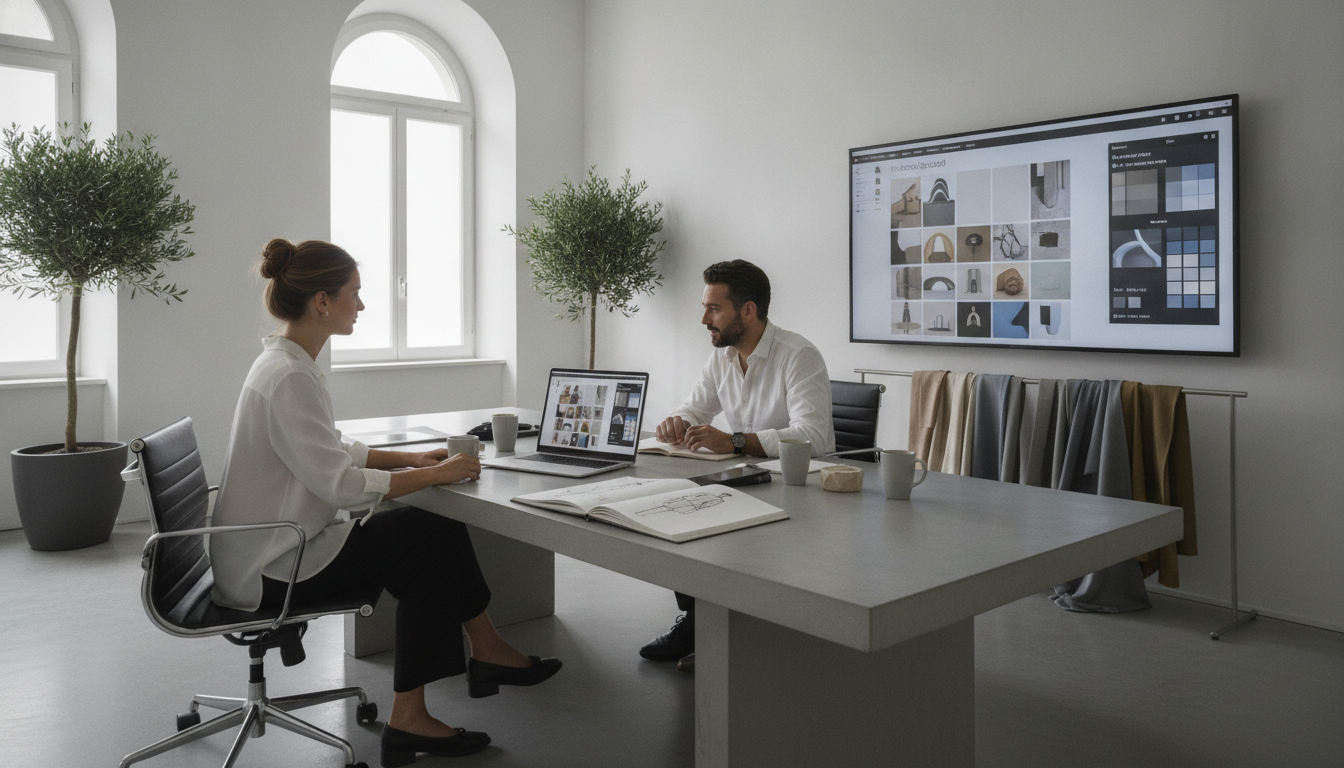
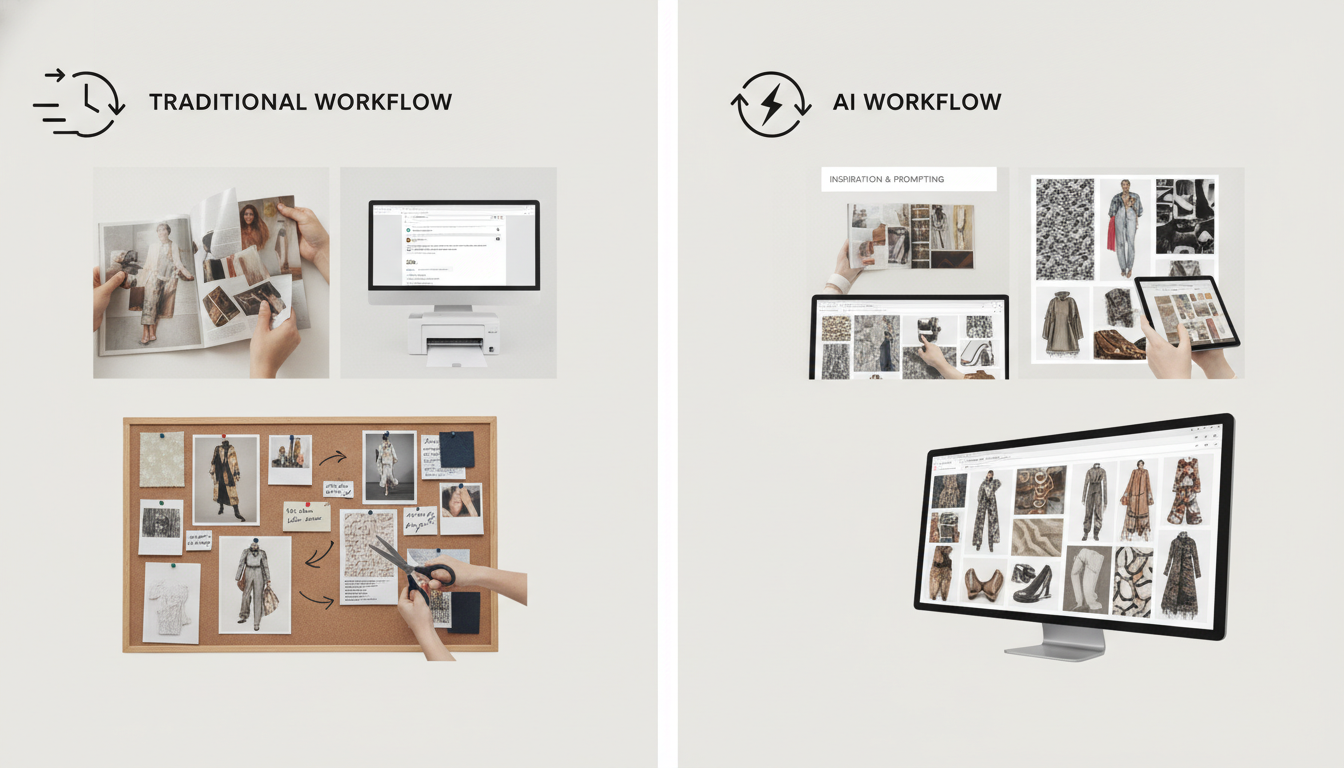
Next, it helps to name what is actually slowing you down. Traditional moodboards often turn into a scavenger hunt across screenshots, saved posts, camera rolls, and random folders, so the team spends more time collecting than deciding.
For stylists, that usually shows up as scattered references and endless “almost right” images, especially when you are trying to hit a specific vibe for a shoot in the next 24 to 48 hours. For designers, it often shows up as an inconsistent color story, where the palette looks right in isolation but falls apart once you place fabrics, trims, and key looks side by side.
Here’s the catch: the slower part is not searching, it’s aligning. When references live in 10 places, feedback becomes vague and repetitive, like “more bold” or “less commercial,” and you end up doing extra rounds just to reach shared language.
Common bottlenecks that usually drag timelines:
References are scattered, so no one knows which images are approved
The color story shifts every time a new image gets added
“Almost right” images pile up, so the board gets crowded and unclear
Feedback happens in long threads, so decisions get lost
The board shows taste, but not direction, so the next step is still fuzzy
So what teams actually need is speed with clarity. Faster iteration means you can test 3 to 5 variations of a board in an hour, not over two days, and immediately see what changes the outcome.
If you do one thing, make the board answer one decision question, like “What is the silhouette and palette for look one,” before you add more references. That keeps direction clear, reduces feedback rounds, and helps everyone move from inspiration to choices that can be produced.